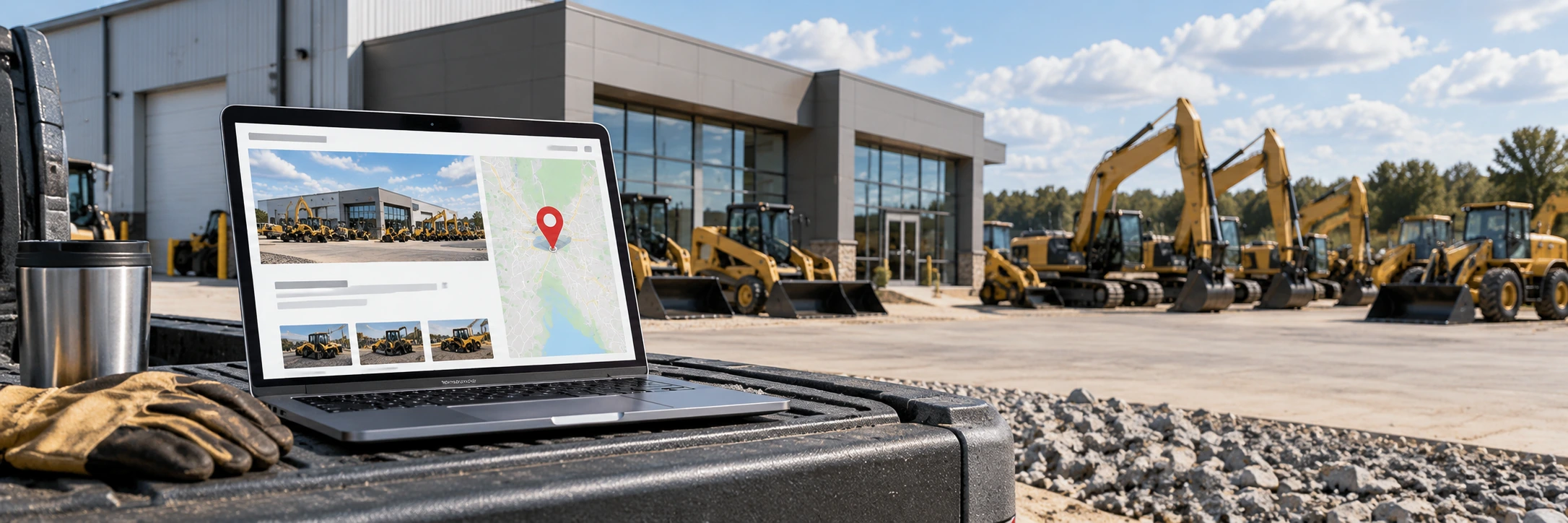
A dealer location page is a page for one real, customer-facing branch. It should show accurate branch identity, address, phone, hours, services and local inventory. Multi-location dealers should link every legitimate branch from a locations hub, keep each page distinct, and align the website details with the actual operation.
What should a heavy equipment dealer location page include?
A useful branch page identifies the real location, explains what it offers and links buyers to equipment associated with that branch.
1. Give every real branch a useful page of its own
A location page should exist because the branch is a real customer-facing operation, not because a marketer wants to manufacture dozens of city-keyword pages. Use one durable URL for each legitimate branch and make the page valuable enough that a buyer could use it without immediately returning to the main site.
2. Keep branch identity consistent with the real business
Google's Business Profile guidelines emphasize accurate business identity and consistent naming across locations when the same brand operates multiple branches. The website should follow the same discipline. Use the real branch name, address, phone number and service information rather than stuffing extra city or equipment keywords into the business name.
3. Show the information a buyer actually needs
At minimum, a useful dealer location page should clearly show the branch address, phone number, hours when applicable, a map or directions link, the types of equipment or services offered and a direct path to available inventory. If a branch handles service, rentals, parts or specific equipment lines, explain that accurately instead of copying the same generic paragraph across every location.
4. Link each location page to relevant inventory
Local pages become more useful when they connect to real equipment. If the site tracks inventory by branch, include crawlable links to equipment currently associated with that location. Avoid creating a branch page that mentions inventory but hides every machine behind an uncrawlable filter interaction. Buyers should be able to move from the branch page to specific listings naturally.
5. Write unique local copy, not doorway-page filler
Two branches may sell similar equipment, but their pages do not need to be duplicates. Describe the actual location, service area, equipment focus, departments, pickup or loading context and other factual differences. The goal is not to force every nearby city name into the page. The goal is to make the branch page materially useful to someone deciding where to call, visit or buy.
6. Use clear titles, headings and internal links
Give the page a descriptive title and primary heading that identify the dealer and branch location without over-optimizing. Link to the branch from the dealer-locations directory, footer or other stable navigation, and link back to broader inventory categories where useful. A branch page that is buried several clicks deep or reachable only through a map widget is harder for both buyers and crawlers to find.
7. Add LocalBusiness structured data where appropriate
Google supports LocalBusiness structured data for physical businesses. For an eligible dealer branch, structured data can reinforce details such as name, postal address, telephone and URL. Markup should describe information that is actually visible and accurate on the page; it should not be used to invent a location or substitute for useful page content.
8. Align the page with the branch's Business Profile
Google's Business Profile guidance allows separate profiles for legitimate locations and recommends a phone number or website that represents the individual location. The branch page is a natural website destination for that profile because it gives customers branch-specific information rather than dropping every location onto a generic home page.
9. Keep closed, moved and renamed branches clean
Location SEO is partly maintenance. When a branch moves, closes or changes materially, update the website and business profile so buyers do not encounter conflicting information. If a location URL is retired, choose an appropriate redirect or removal strategy based on whether there is a true replacement page. Do not leave stale phone numbers or addresses indexed indefinitely.
Dealer location page checklist
| Element | What good looks like |
|---|---|
| Identity | Real branch name, address and phone match the operation |
| Local value | Unique information about services, inventory and branch capabilities |
| Inventory | Crawlable links lead to relevant equipment and listings |
| Navigation | Branch pages are linked from a stable locations structure |
| Structured data | LocalBusiness markup reflects visible, accurate branch details |
| Business Profile | Website destination and branch details stay aligned |
| Maintenance | Moves, closures and major identity changes are updated promptly |
The takeaway
The best dealer location pages are not thin SEO landing pages. They are practical branch resources built around accurate identity, local buyer needs, real inventory and consistent business information. That makes them more useful for customers and gives search engines a cleaner understanding of a multi-location dealership.
Related BigEquipCo guides: Google Business Profile for Heavy Equipment Dealers, Heavy Equipment Dealer SEO and Equipment Inventory Pages.
Keep branch facts consistent
Confirm the location name, address, phone and service details with the dealer before publishing. If a branch closes, moves or changes its role, update the location hub, the branch page and the organization’s business profile. Do not create a page for a virtual office or a location that does not serve customers. A real branch page should help someone understand what happens at that location and how to reach it. Link the branch to equipment that is genuinely available there, and keep the inventory location aligned with the listing record.